Browse Search Popular Register Upload Rules User list Login:
Search:
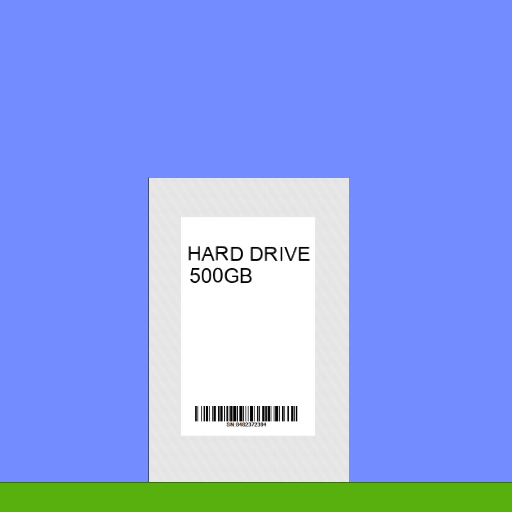
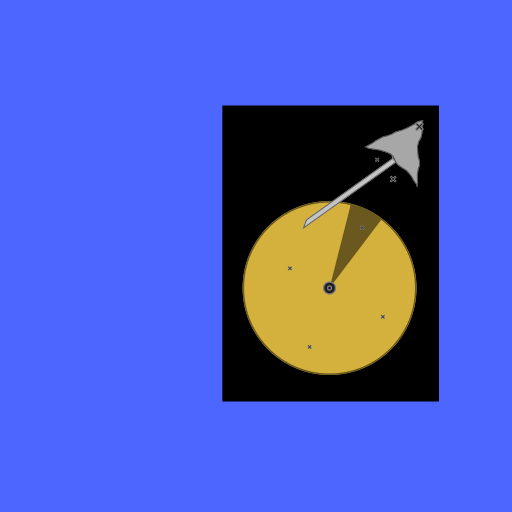
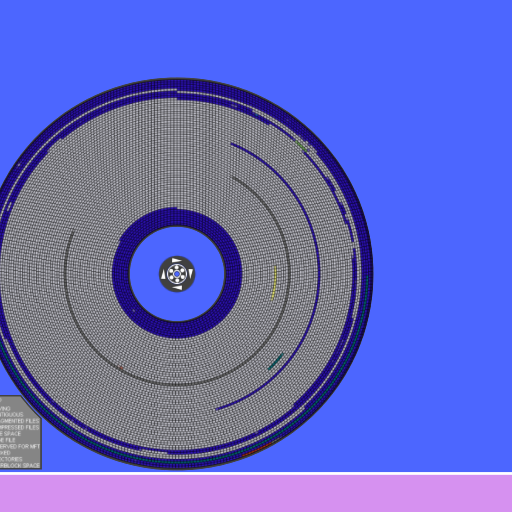
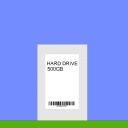
working hard drive

Image:
screenshot of the scene

Author: jessie

Group: Default

Filesize: 300.46 kB

Date added: 2020-12-20

Rating: 5

Downloads: 578

Views: 209

Comments: 6

Ratings: 1

Times favored: 0

Made with: Algodoo v2.1.0

Tags:

Scene tag

press ] to start or stop
press [ to move the reading head
press shift to delete face plate
for best results i recomend setting the Simulation frequency to 1200 Hz in Options>Simulation>Simulation frequency
edit 1: shift is now delete face plate instaid of detach face plate
Last edited at 2020/12/20 20:03:25 by jessie
Please log in to rate this scene
edit
Similar scenes
Title: Slightly Faster Hard Drive
Rating: 2.1429
Filesize: 10.74 kB
Downloads: 403
Comments: 2
Ratings: 7
Date added: 2009/01/18 11:32:44
Made with: Phun
Rating: rated 2.1
download
Title: working submarine
Rating: 5
Filesize: 138.14 kB
Downloads: 575
Comments: 0
Ratings: 1
Date added: 2018/06/02 02:11:10
Made with: Algodoo v2.1.0
Rating: rated 5
download
Title: Playstation 3 (Algodoo/Probably Phun)
Rating: 5
Filesize: 37.76 kB
Downloads: 1312
Comments: 1
Ratings: 2
Date added: 2009/11/07 16:11:38
Made with: Algodoo before v1.8.5
Rating: rated 5
download
Title: hard drive
Rating: 5.625
Filesize: 0.96 MB
Downloads: 754
Comments: 1
Ratings: 2
Date added: 2009/07/29 21:40:21
Made with: Phun
Rating: rated 5.6
download
Title: Highway Hog (Racing Game!) [thyme]
Rating: 5.3
Filesize: 24.18 kB
Downloads: 1033
Comments: 4
Ratings: 4
Date added: 2009/06/22 07:51:34
Made with: Phun
Rating: rated 5.3
download
Title: Steam powered vehicle
Rating: 5
Filesize: 86.99 kB
Downloads: 1290
Comments: 0
Ratings: 1
Date added: 2011/12/31 04:53:54
Made with: Algodoo v2.0.1 Edu
Rating: rated 5
download
Shift key does not detach the face plate.:s
you just need to use the darg tool to set is aside afterwards;)
That's just a lazy way to fix a problem! The best way to fix it is to make it work the way it states in the scene description. You can do that by right-clicking on the face plate, then hover down to "Control". Slide over to the words "Destroy Key" and left click on it. Then press the SHIFT key. Now save the scene and upload it as an EDITED scene. The Shift key will then make the face plate disappear. Easy Peasy! :tup:
ok i actually tought of this at first but i tought it would be better to keep the face plate afterwards. i'll update it soon with the new method
updated;)
Yup, it works perfectly. Good job! :tup: