Browse Search Popular Register Upload Rules User list Login:
Search:
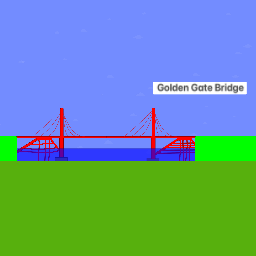
Golden Gate Bridge V2.0

Image:
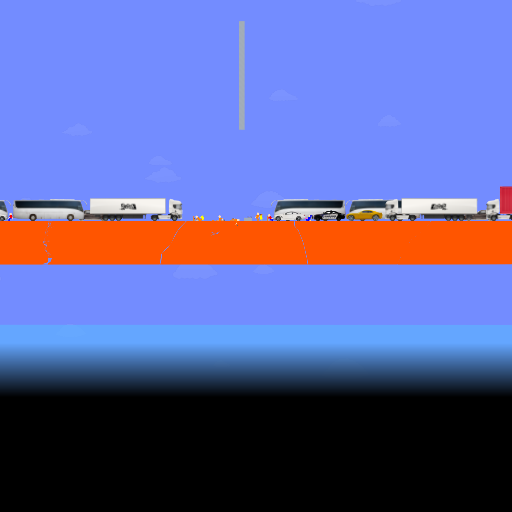
screenshot of the scene

Author: Imakemarblerace

Group: Default

Filesize: 261.81 kB

Date added: 2023-01-02

Rating: 5

Downloads: 13903

Views: 1176

Comments: 2

Ratings: 1

Times favored: 0

Made with: Algodoo v2.1.0

Tags:

Scene tag

Version 2.0 of my Golden Gate Bridge designs.
you can now drive cars on the bridge (use D E F Collision Layers)
It's more accurate (and also the most accurate)
It can sway, taken from the unpublished "Golden Gate Bridge Sways V1.2" Scene,
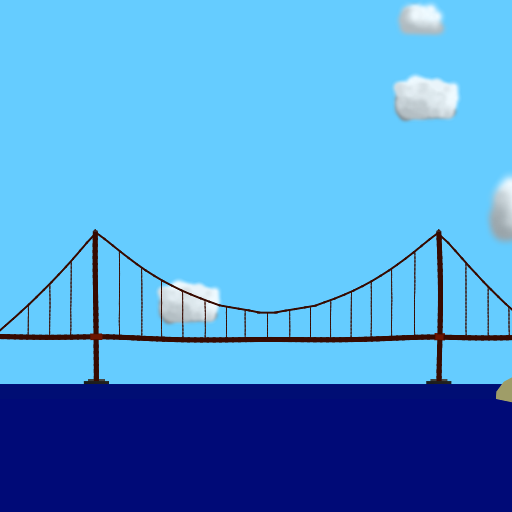
and the longest. Pan the cam to the left to see what reference i used to make the bridge.
i also mistook it as V3.0 because i forgot what was the versions before, sorry.
Enjoy the bridge!:D
Last edited at 2023/01/03 00:46:42 by Imakemarblerace
Please log in to rate this scene
edit
Similar scenes
Title: Golden Gate bridge beta
Rating: 6.35
Filesize: 407.11 kB
Downloads: 13082
Comments: 10
Ratings: 14
Date added: 2009/04/18 19:26:23
Made with: Phun
Rating: rated 6.4
download
Title: (SUPER) Deadly Chain Reaction 2 - (Golden Gate Bridge Collapse)
Rating: 5
Filesize: 4.14 MB
Downloads: 416
Comments: 3
Ratings: 1
Date added: 2025/12/08 18:19:06
Made with: Algodoo v2.1.0
Rating: rated 5
download
Title: Golden Gate Bridge 3.1
Rating: 5
Filesize: 225.3 kB
Downloads: 8139
Comments: 4
Ratings: 1
Date added: 2023/01/01 05:42:31
Made with: Algodoo before v1.8.5
Rating: rated 5
download
Title: Golden Gate Bridge Version 1.1
Rating: 5
Filesize: 88.27 kB
Downloads: 2371
Comments: 0
Ratings: 1
Date added: 2022/03/26 04:08:42
Made with: Algodoo before v1.8.5
Rating: rated 5
download
Title: Golden gate bridge
Rating: 5
Filesize: 373.31 kB
Downloads: 1559
Comments: 1
Ratings: 1
Date added: 2020/02/10 02:52:38
Made with: Algodoo v2.1.0
Rating: rated 5
download
Title: breakable golden gate bridge
Rating: 5.8182
Filesize: 195.53 kB
Downloads: 4343
Comments: 14
Ratings: 5
Date added: 2009/07/24 19:34:14
Made with: Phun
Rating: rated 5.8
download
What I meant for the collision layers are that there are more options on collison layering. There may be many of them, but they are useful on the later run.

Also, the annoying borders are still there, the basic color material are still there (you can use a web browser and a converison site to find the appropriate colors in HSVA), and other stuff. You can make the ropes look better by clicking on the "Clear Texture" button. You can "move" objects to the foreground and background by rolling the scroll wheel on a selected object.
Uhm… Yeah no.