Browse Search Popular Register Upload Rules User list Login:
Search:
The Best Algodoo PC - AHOX L.O.N.G PC

Image:
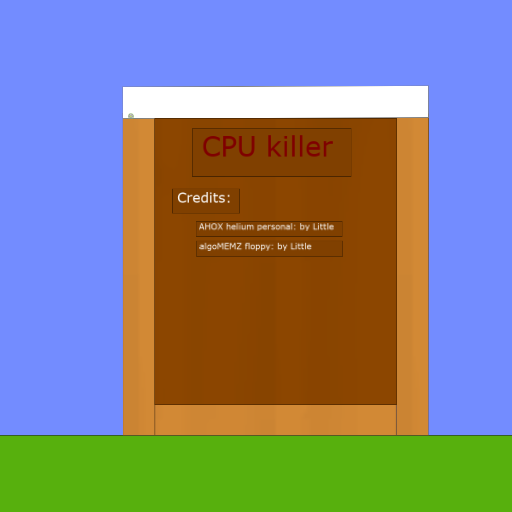
screenshot of the scene

Author: Little

Group: Default

Filesize: 67.49 kB

Date added: 2023-04-01

Rating: 5

Downloads: 1785

Views: 337

Comments: 6

Ratings: 1

Times favored: 0

Made with: Algodoo v2.1.0

Tags:

Scene tag

Welcome to the best Algodoo PC ever!
Itsz even better!
This computer is so good!!!1111oneoneone

Included are instructions, and the best game ever!

This game, called AlgoCell 5, is a PS5-quality game that runs at 127 fps!1111

Enjoy this amazing computer! I doubt I will ever make a better computer! this thing is so good!
Please log in to rate this scene
edit
Similar scenes
Title: My AHOX Computer with Bluetooth and floppy format
Rating: 7.2857
Filesize: 92.23 kB
Downloads: 1742
Comments: 11
Ratings: 8
Date added: 2009/09/29 19:26:17
Made with: Algodoo before v1.8.5
Rating: rated 7.3
download
Title: House with AHOX Light Bulbs (Algodoo Only)
Rating: 4.7
Filesize: 248.38 kB
Downloads: 1244
Comments: 0
Ratings: 4
Date added: 2009/09/25 01:57:42
Made with: Algodoo before v1.8.5
Rating: rated 4.7
download
Title: AHOX Magnesium PocketPC
Rating: 5
Filesize: 247.31 kB
Downloads: 441
Comments: 1
Ratings: 1
Date added: 2025/05/23 16:43:00
Made with: Algodoo v2.2.3
Rating: rated 5
download
Title: AHOX Battery Powered Light (Algodoo Only)
Rating: 5.1111
Filesize: 51.4 kB
Downloads: 1173
Comments: 0
Ratings: 3
Date added: 2010/01/24 08:30:09
Made with: Algodoo before v1.8.5
Rating: rated 5.1
download
Title: AHOX cpu killer
Rating: 5.625
Filesize: 39.51 kB
Downloads: 2008
Comments: 2
Ratings: 2
Date added: 2025/06/01 19:03:10
Made with: Algodoo v2.2.3
Rating: rated 5.6
download
Title: AHOX K-2 but with a twist!
Rating: 5.625
Filesize: 412.72 kB
Downloads: 524
Comments: 5
Ratings: 2
Date added: 2023/03/15 14:01:11
Made with: Algodoo v2.1.0
Rating: rated 5.6
download
apparently it hates the OS from the helium PC
That OS is too weak for a machine of this magnitude.
I successfully solved that problem! Basically, the computer runs Chives commands by sending every command it gets to a function in the CPU called "_process". However, in the Long PC, _process got stripped down so much to a point where it could only run 1 command, "paint", which is actually just the print command. So to fix this, I copied and pasted the _process function from the Helium PC to the Long PC, and now, it can run programs completely fine!
Good job figuring that out.

Honestly I forgot how Chives computers even worked, and the code is so messy that I think it would be more efficient for me to try rewriting one from the ground up than to update a current one again.
Helium baloooon
POPPPPPPPP [Gets baloon is poped]