Browse Search Popular Register Upload Rules User list Login:
Search:
Material Name (OnCollide) Scripting Tutorial

Image:
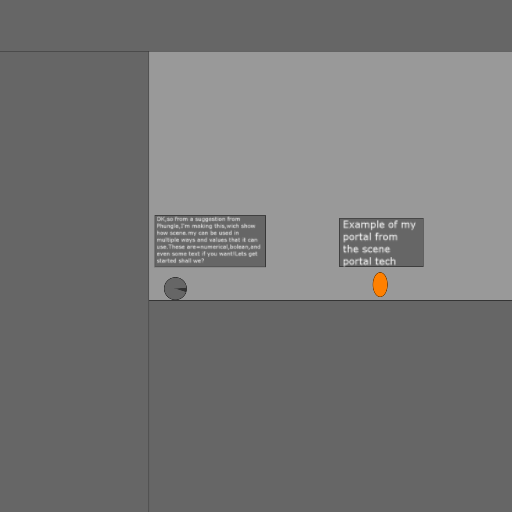
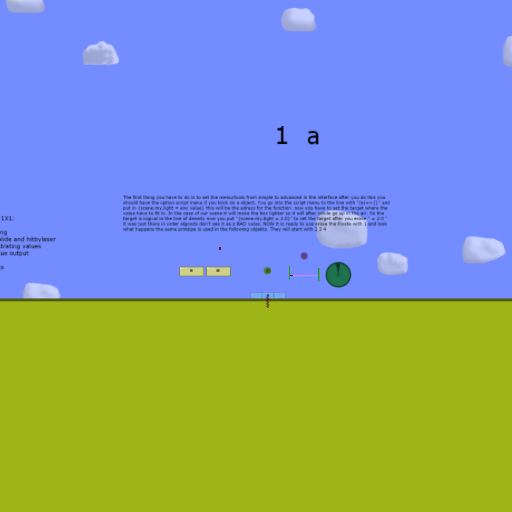
screenshot of the scene

Author: PHUNGL

Group: Default

Filesize: 220.02 kB

Date added: 2013-07-31

Rating: 5

Downloads: 979

Views: 523

Comments: 7

Ratings: 1

Times favored: 0

Made with: Algodoo v2.0.2 Edu

Tags:

Scene tag

This is my first tutorial! It teaches you how to use a "material name" to script certain things to change properties. Fairly useful for me.

I would put buttons to pan to each step, but i don't have algodoo 2.1.
:(

:tup:
Please log in to rate this scene
edit
Similar scenes
Title: Console and onCollide Tutorial
Rating: 5
Filesize: 18.22 kB
Downloads: 507
Comments: 2
Ratings: 1
Date added: 2013/07/27 19:24:49
Made with: Algodoo v2.1.0
Rating: rated 5
download
Title: onCollide Scripting tutorial 1
Rating: 5.8889
Filesize: 78.45 kB
Downloads: 898
Comments: 7
Ratings: 3
Date added: 2009/12/11 01:54:47
Made with: Algodoo before v1.8.5
Rating: rated 5.9
download
Title: onCollide
Rating: 8.5018
Filesize: 42.45 kB
Downloads: 6794
Comments: 17
Ratings: 27
Date added: 2009/03/22 01:21:15
Made with: Phun
Rating: rated 8.5
download
Title: Scripting material thing
Rating: 6.5
Filesize: 2.51 kB
Downloads: 956
Comments: 7
Ratings: 4
Date added: 2009/06/18 22:52:26
Made with: Phun
Rating: rated 6.5
download
Title: The little scripting 1X1 (tutorial)
Rating: 5
Filesize: 44.27 kB
Downloads: 575
Comments: 2
Ratings: 3
Date added: 2010/12/27 21:06:45
Made with: Algodoo before v1.8.5
Rating: rated 5
download
Title: The Absorber tutorial
Rating: 6.3
Filesize: 242.45 kB
Downloads: 673
Comments: 3
Ratings: 4
Date added: 2010/11/22 17:49:55
Made with: Phun
Rating: rated 6.3
download
Why not update to the latest version? It's FREE!

Good tutorial! :tup:
Last edited at 2013/07/31 04:21:10 by Xray
Didn't you see my comment I replied in Powerball Level 11 when you suggested I used lives? :s
No, I did not see your comment in your Powerball scene. Sorry, I didn't know your computer did not have proper shaders version.

By the way, instead of using MaterialName you can make up your own label if you want to. For example, you can add _GeomID = "" and then in each geometry you can put names like: _GeomID = "Box" or _GeomID = "LargeTriangle" or GeomID = "This_Is_An_Example_123" or whatever you want! :tup:

Then in script, you can test for the proper name, such as:
_GeomID == "LargeTriangle" ? {}:{} (just make certain to place the underscore "_" before each new label. If you do not, then Algodoo will not save it!
Thanks, Xray for telling me another way! :tup: :tup: :)
Last edited at 2013/07/31 21:03:20 by PHUNGL
Can you use entityID? :s
I only know some onCollide configurations.
The Easy ones are groovy on and off, showing messages, and quiting. Two artificial ones are weird design and normalize.